
HOME AUTOMATION REPAIR & MAINTENANCE DUBAI
Home Automation Repair, Troubleshooting & Maintenance in Dubai
Troubleshooting and maintenance for supported smart-home systems including smart switches, sensors, apps, scenes, hubs, network connectivity and gate/intercom integration.
Installation Configuration Integration Maintenance

SYSTEM PLANNING
Smart-Home Problems Can Be Device, Network, Hub, App or Automation Logic
A device showing offline in an app may be caused by WiFi, hub, account or power issues rather than a failed device.
Troubleshooting should isolate connectivity and platform issues before replacing smart switches, sensors or controllers.
DeviceCheck power and local response.
NetworkVerify WiFi/LAN connectivity.
Hub / ControllerCheck central automation platform status.
App / AccountVerify login and cloud connectivity.
ScenesReview triggers, schedules and device membership.
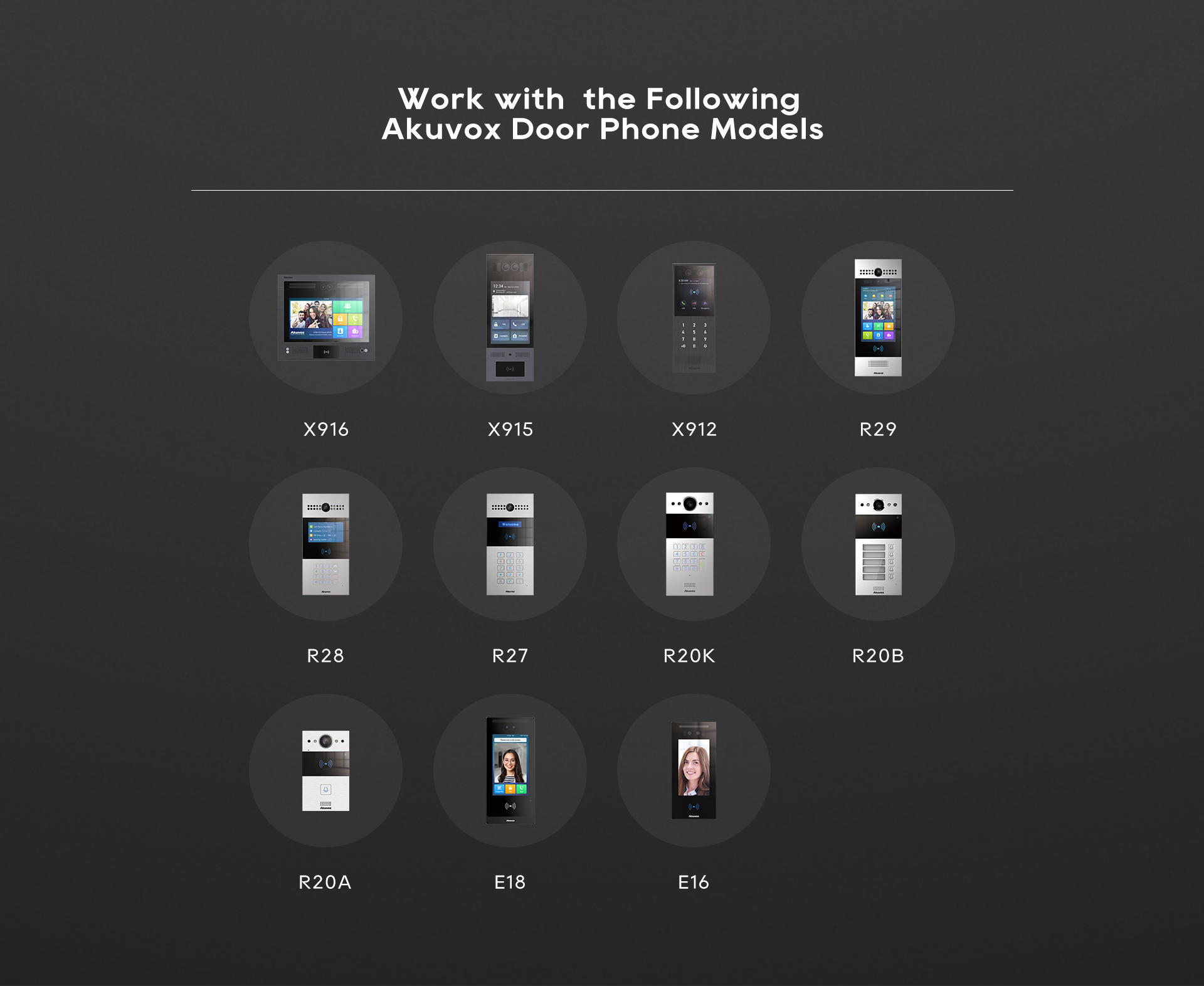
IntegrationCheck supported gate/intercom/security interfaces.
FOR A FASTER QUOTE
Send Villa / Property Details
Share the property location, installed smart-home platform, hub/controller and affected devices or rooms. Describe offline devices, app-control problems or failed scenes, when the issue started and any recent router, power or configuration changes.
Send Details on WhatsAppINSTALLATION SCOPE
Smart-Home Fault Diagnosis & Support Scope
Device Diagnosis
Identify offline or failed smart devices.
Network Troubleshooting
Resolve WiFi/LAN communication issues.
Hub / Controller Support
Check compatible automation controller.
App Troubleshooting
Resolve account, visibility and remote-access issues.
Scene Repair
Correct broken schedules and automation rules.
Upgrade Assessment
Recommend practical replacement for obsolete devices.
MAINTENANCE & SUPPORT
Smart-Home Symptoms to Report Before Troubleshooting
Smart switch offlineSensor not respondingApp cannot connectScene not workingSchedule wrongHub offlineGate/intercom integration issueWiFi problemDevice replacementPreventive support
SMART HOME INTEGRATION
Connect Lighting, Security, Access & Everyday Controls
LightingSmart SwitchesCCTVIntercomGate AutomationAccess ControlSensorsMobile AppScenes
APPLICATIONS
Typical Home Automation Maintenance Applications
VillasTownhousesApartmentsPrivate ResidencesHome OfficesManaged Properties
FAQ
Home Automation Maintenance Questions
Yes. We can troubleshoot supported devices, network, hubs, apps, scenes and integrations.
No. Many issues are caused by connectivity, power or configuration and should be diagnosed first.
Yes, where compatible replacement or migration options are available.
Yes. Support can be arranged for suitable systems.
REQUEST A HOME AUTOMATION QUOTE
Request Home Automation Repair or Maintenance Support
Send the installed platform and affected device details so supported troubleshooting, reconfiguration and any compatible replacement or upgrade work can be assessed before the scope is quoted.




MAINTENANCE & AMC FAQ
Home Automation Repair & Maintenance Questions
What smart-home problems can you troubleshoot?
Supported smart switches, sensors, hubs, apps, scenes, network connectivity and selected gate or intercom integrations can be checked.
Can you maintain an existing home automation system?
IGTS can inspect supported installed systems and advise on troubleshooting, reconfiguration, replacement or upgrade options.
Can WiFi or network problems affect home automation?
Yes. Network-dependent automation devices can be affected by WiFi, LAN, IP addressing or controller connectivity issues.